
Which Stream Deck Devices Are Out There?
Compare the main Stream Deck device categories (from the six-key Mini to the 36-key Stream Deck + XL, plus dial-based and foot-operated variants) and choose based on workflow shape rather than spec sheets alone.
By Arise Create
- Mini to XL
- Keys, dials, and pedals
- Match hardware to workflow
Device Finder
Find Your Stream Deck
Answer a few questions to get two device recommendations matched to your workflow: a best-value option and a full-power option.
1 of 3
Which of these best describes how you work at your computer?
The main device families
The Stream Deck lineup covers seven practical desktop categories: compact keypads (Mini), standard key grids (Stream Deck, formerly MK.2), large key surfaces (XL), key-and-dial combos (Plus), the extended key-and-dial flagship (+ XL), everyday simplified devices (Neo), and foot pedals (Pedal). Beyond the desk, Elgato also ships the rack-mount Stream Deck Studio for broadcast setups, the embeddable Stream Deck Module for integrators, and software-only surfaces (Virtual Stream Deck, Stream Deck Mobile). The right choice depends less on raw specifications and more on how your desk and workflow actually operate.
- Mini: best when six or fewer key-bound actions cover your most important work.
- Stream Deck (formerly MK.2): the starting point for most desk setups, broad enough to cover multiple contexts without oversizing.
- XL: best when you need many actions visible without foldering, across a single large surface.
- Plus: the right pick when continuous controls like volume, zoom, or scrubbing matter alongside discrete keys.
- + XL: combines 36 keys with six dials, best when you need both an extensive key library and continuous control on one surface.
- Neo: a focused everyday surface with a built-in info strip, good for single-context or lighter setups.
- Pedal: a hands-free supplement for any workflow where your primary input tools already occupy both hands.
How to choose
Start by counting the actions you would use every day. If they fit in six keys, start with the Mini. If you regularly switch between three or more distinct work contexts, the standard Stream Deck or the XL will serve better. If your work involves continuous control such as audio levels, timelines, or zoom, add a Plus (or the + XL) to the mix.
Choose the smallest device that still keeps your most important actions immediately visible. Once you need too many folder layers to stay efficient, that is a signal to move up a size.
Pairing devices
Stream Deck devices can be used alongside each other. A common combination is a main key grid for app switching and a Pedal for push-to-talk or mute beneath the desk. Another is a standard Stream Deck as a primary surface with a Plus as a dedicated audio mixer beside it.
Pairing works best when each device has a clear, non-overlapping purpose. Duplicate functions across two decks create the same clutter problem as overloading a single device.
Real product examples
Stream Deck Mini
View lineup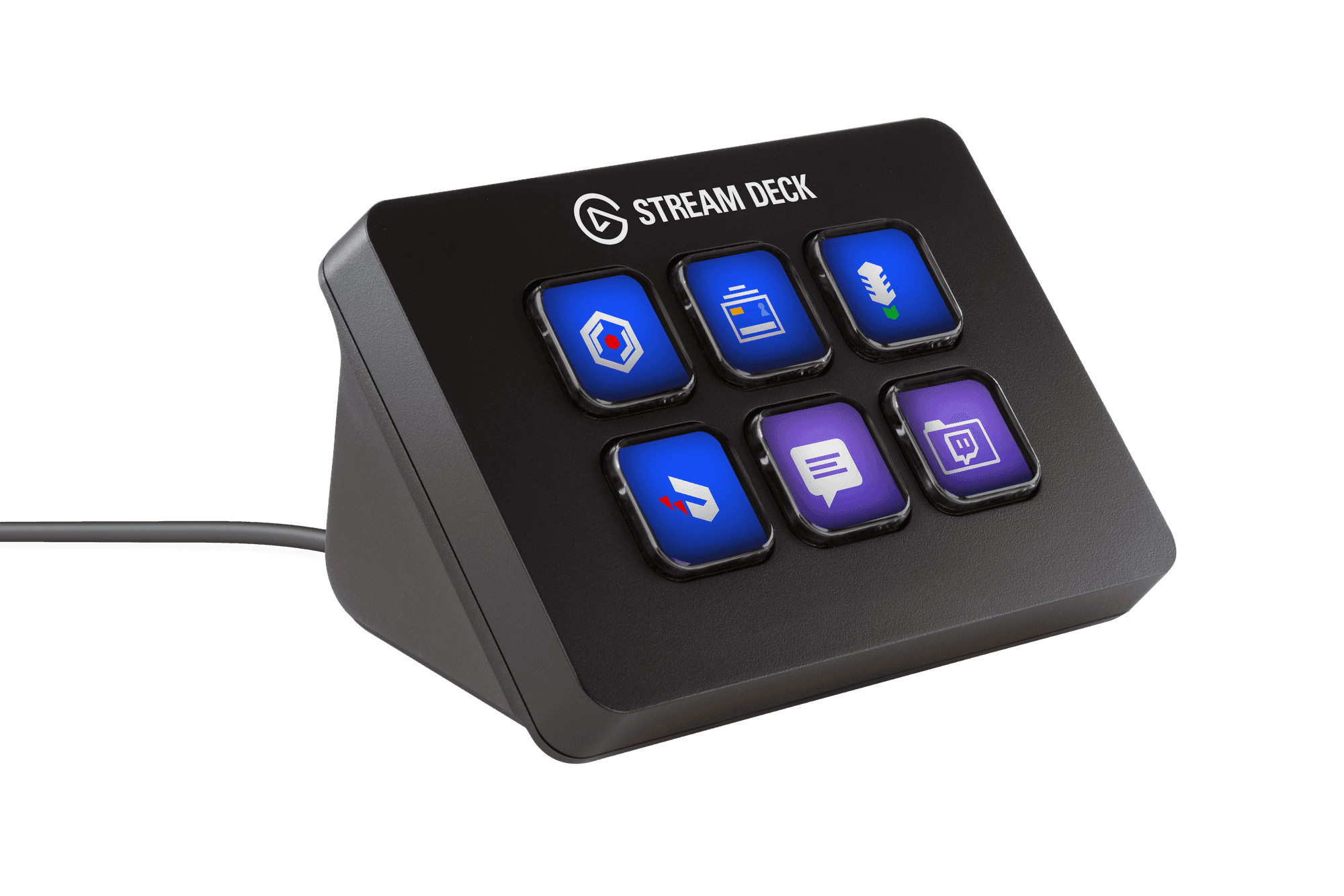
Six keys for workflows that only need a handful of critical actions.
The Mini is the smallest entry point. If you have five to six high-frequency actions that genuinely deserve a physical button, the Mini keeps them close without taking up desk space.
Stream Deck (formerly MK.2)
View lineup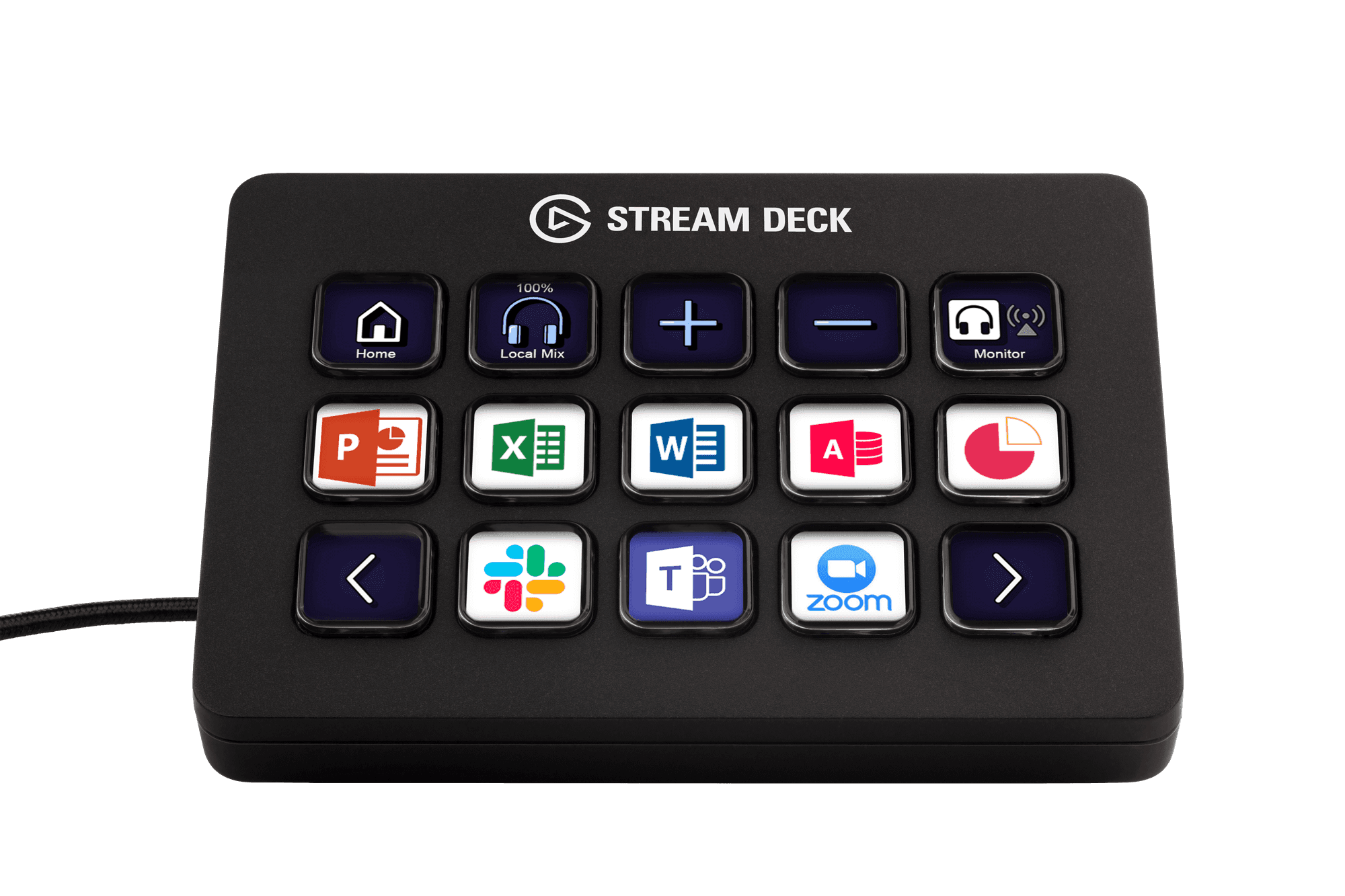
Fifteen keys across three rows: the versatile all-rounder.
Elgato now sells this 15-key model simply as "Stream Deck," in Classic (membrane) and Scissor Keys editions. It remains the standard choice for most desk setups: enough visibility to cover multiple contexts without overwhelming the surface, and a good fit for a mix of quick-launch, communication, and tool-switching actions.
Stream Deck XL
View lineup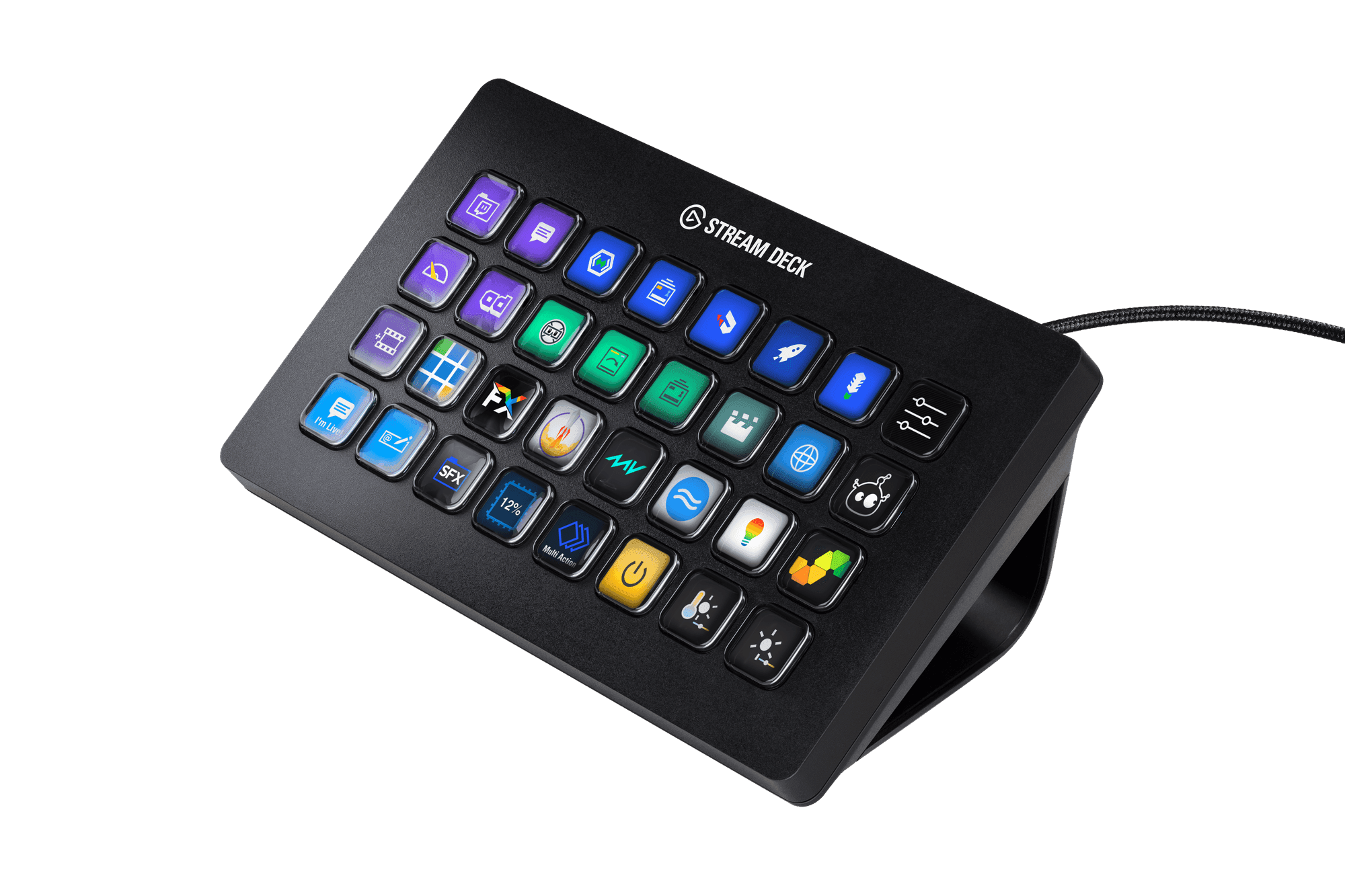
Thirty-two keys for workflows that need everything visible at once.
The XL suits creators, developers, and operators who need many distinct actions within reach simultaneously. Wide enough to run multiple distinct work contexts side by side without foldering.
Stream Deck +
View lineup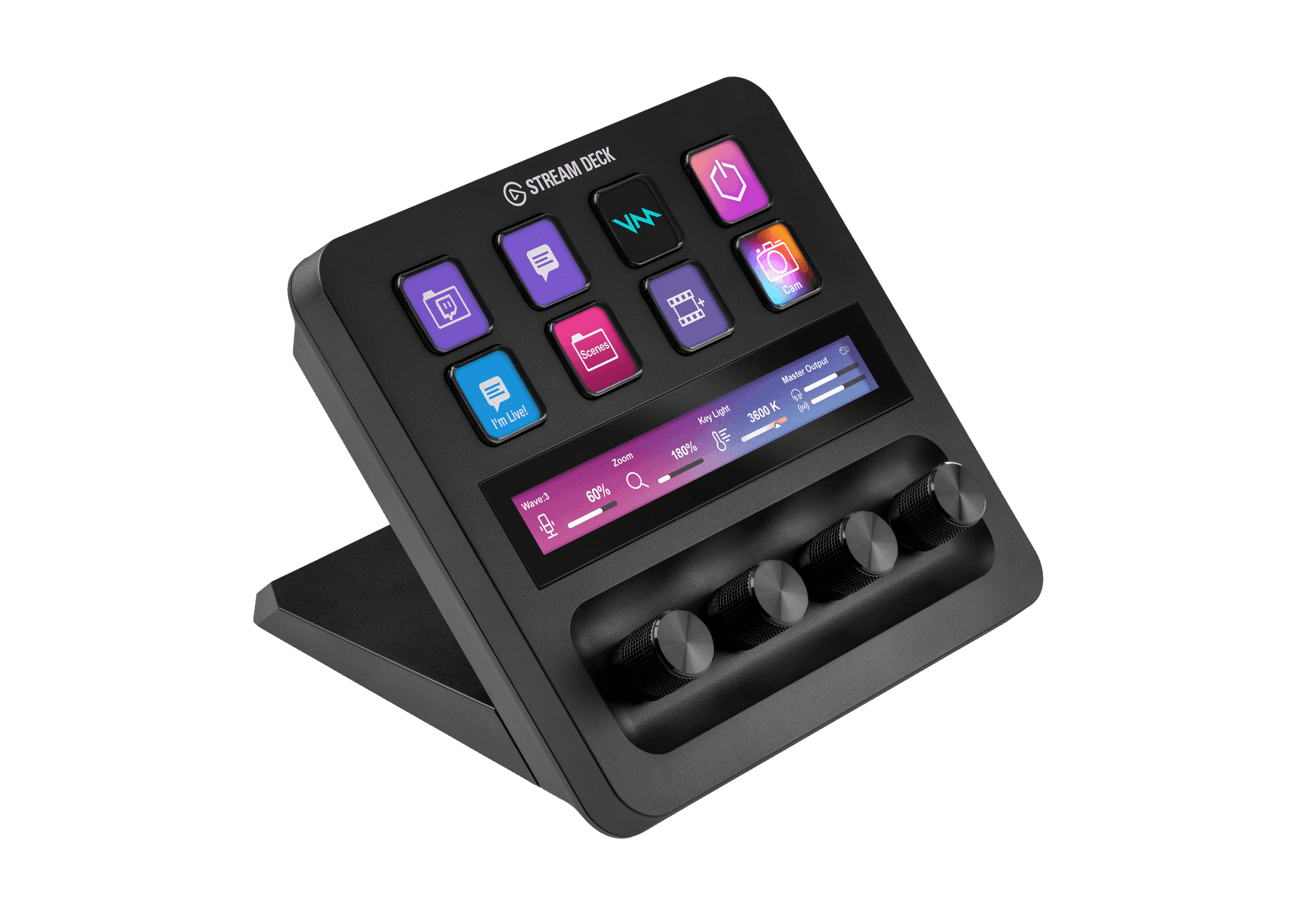
Keys and dials for setups that mix discrete actions with continuous control.
The Plus adds four touch-sensitive dials below the key grid. This makes it well-suited for audio mixing, video scrubbing, zoom control, or any workflow where you need both button presses and smooth analog adjustments on the same surface.
Stream Deck + XL
View lineup36 keys plus six dials: the most expansive desktop control surface in the lineup.
The + XL combines the large 36-key grid of the XL with six touch-sensitive dials and a touch strip. It suits power users who need both an extensive key library and continuous controls on the same surface: audio engineers, video editors, and developers running complex toolchains.
Stream Deck Neo
View lineup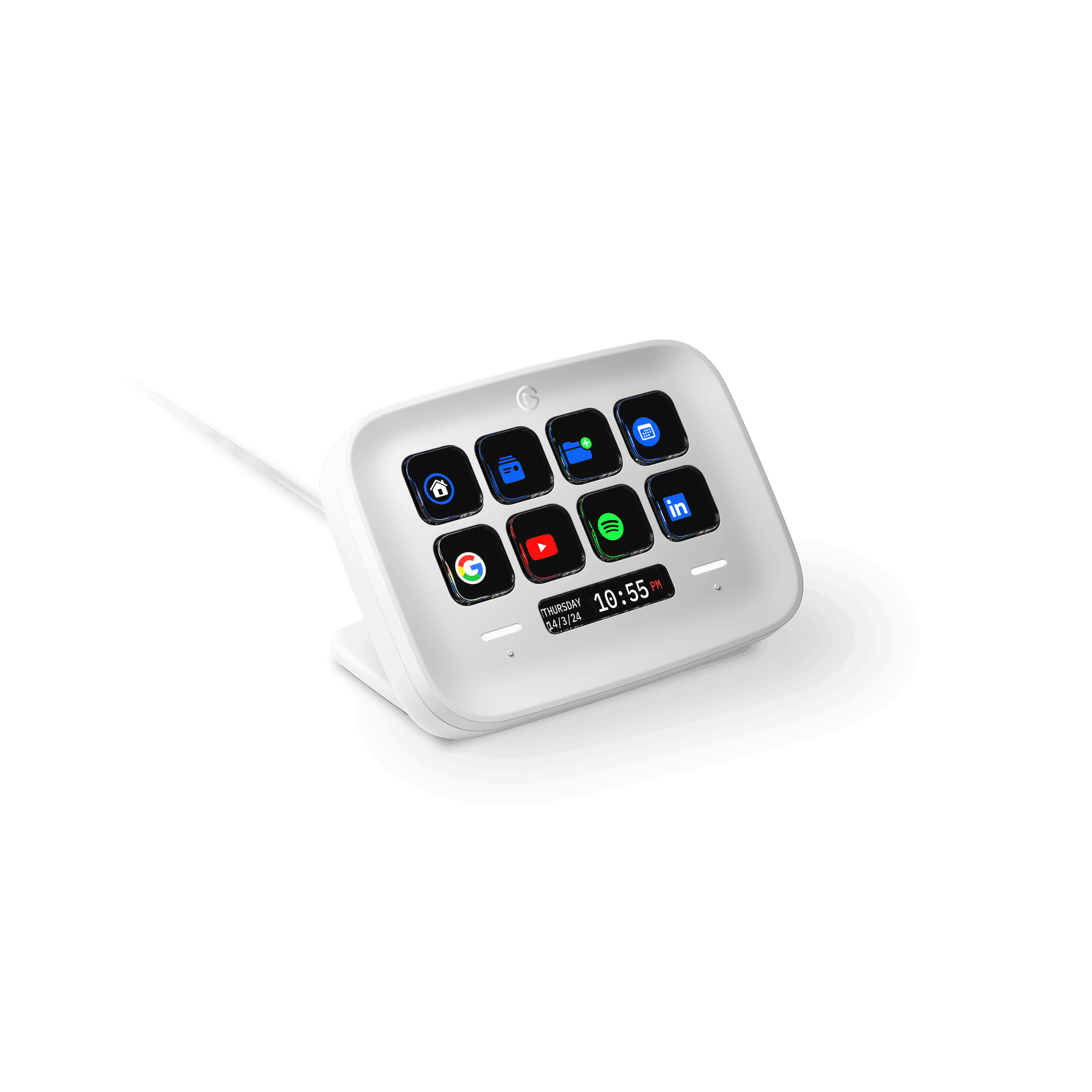
A simplified surface built for everyday repeatable workflows.
The Neo targets users who want a tighter, focused control surface for daily routines rather than a deep key library. The integrated info panel displays ambient status so it sits naturally on any desk without feeling like a production rig.
Stream Deck Pedal
View lineup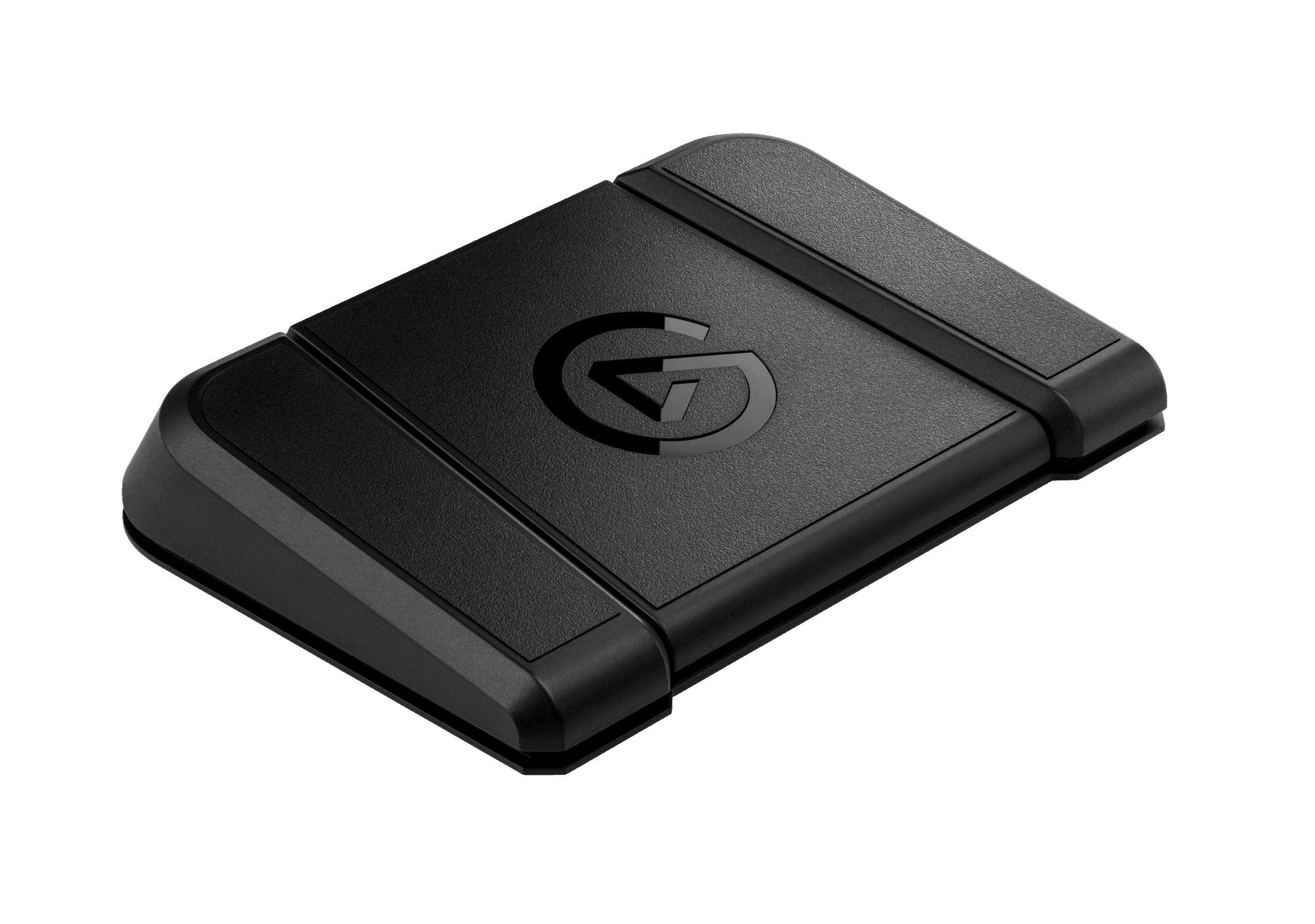
Three foot pedals for hands-busy workflows that still need fast actions.
The Pedal is a supplemental device, not a replacement. It works best when your hands are on a keyboard, mouse, instrument, or camera and you still need quick toggles for mute, record, or push-to-talk without lifting your hands.
Browse products
A practical overview of the Stream Deck hardware lineup and which device shapes fit different kinds of workflows.