
Workflow Improvements With Stream Deck
See how Stream Deck improves meetings, content work, operations, and focus by removing repeated UI hunting and turning high-frequency actions into visible controls.
By Arise Create
- Reduce UI hunting
- Expose state visibly
- Compress repeated actions
The improvement pattern
Stream Deck is most valuable when it removes small but constant interruptions. The goal is not to automate everything. The goal is to make the next likely action obvious and immediate.
Look for tasks that require switching windows, recalling shortcuts, or checking status before acting. Those are the places where a dedicated hardware control starts paying for itself quickly.
High-value workflow categories
Meetings benefit from direct mute, camera, hand raise, share, and leave controls. Content work benefits from scene switching, recording, markers, exports, and publishing steps. Operations work benefits from dashboards, runbooks, service restarts, and ticket movement shortcuts.
- Use it for actions you need immediately under pressure.
- Use it for workflows where visual state matters before you click.
- Use it for repeated handoffs between tools that normally cost focus.
Where people overbuild
A common mistake is mapping every possible command. That creates a wall of low-value buttons. A better approach is to map only the actions that are frequent, interruptive, or costly to get wrong.
If a key is rarely used, it should probably live one layer deeper. Reserve the top layer for controls that actively protect flow.
Real product examples
Operational prompt example
View product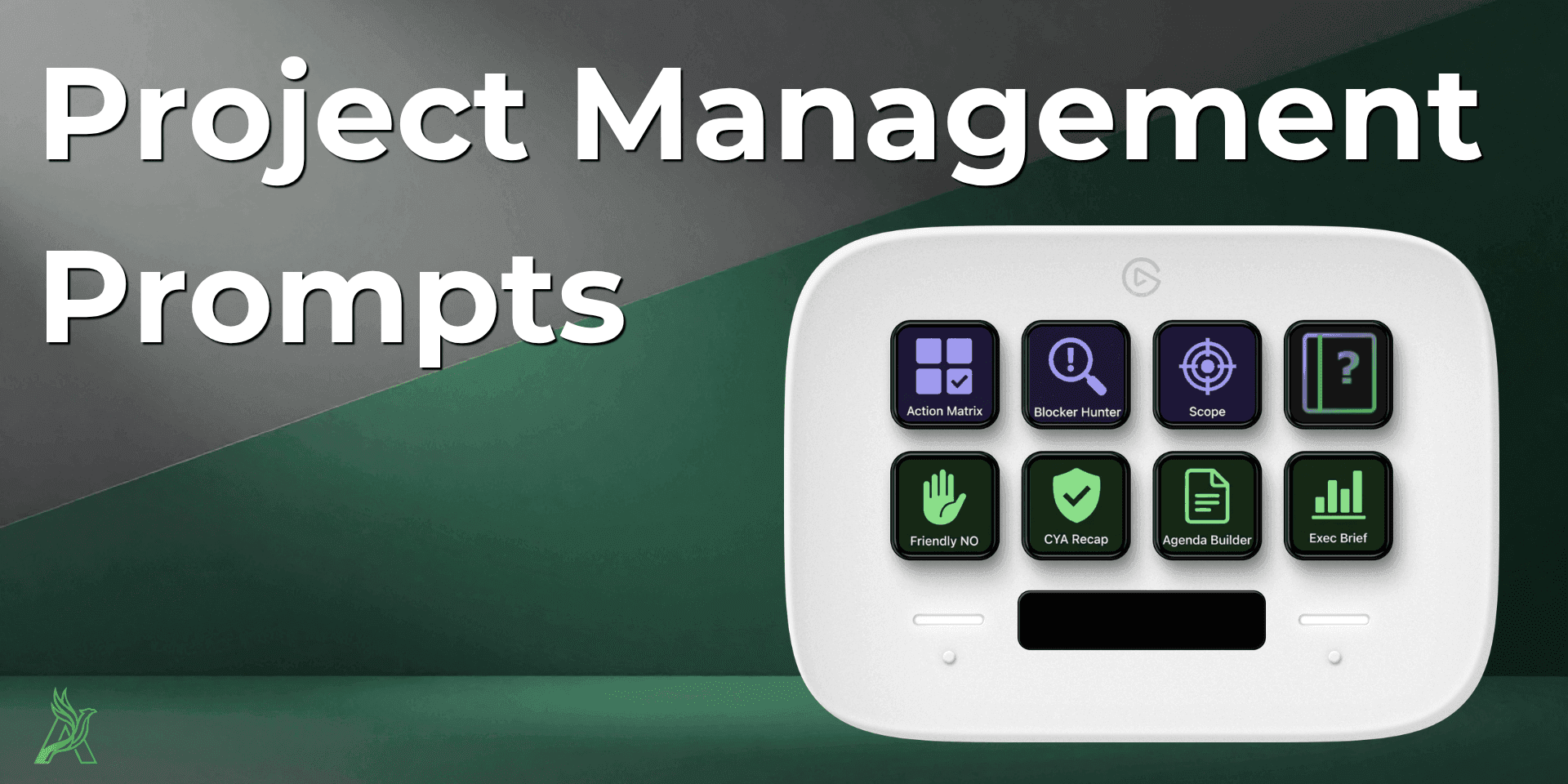
Project Management Prompts shows how Stream Deck can compress thinking-heavy recurring work.
Instead of rebuilding the same PM prompts repeatedly, the product page turns frequent reporting and stakeholder asks into a mapped, repeatable flow.
Prompt workflow from the product page
Choose the prompt for the meeting or reporting moment.
Add current context and constraints.
Create concise output faster with less context switching.
Browse products
Where Stream Deck delivers the most real value: reducing friction, exposing state, and compressing repeated software actions into faster physical workflows.