
Meeting-Momente festhalten, die bereits passiert sind.
Arise Flashback nimmt deine Meetings als kontinuierlichen Hintergrundpuffer auf. Wenn etwas Wichtiges gesagt wird – auch wenn du nicht aktiv aufgenommen hast – drückst du einfach GRAB und sicherst die letzten 10 bis 90 Sekunden.
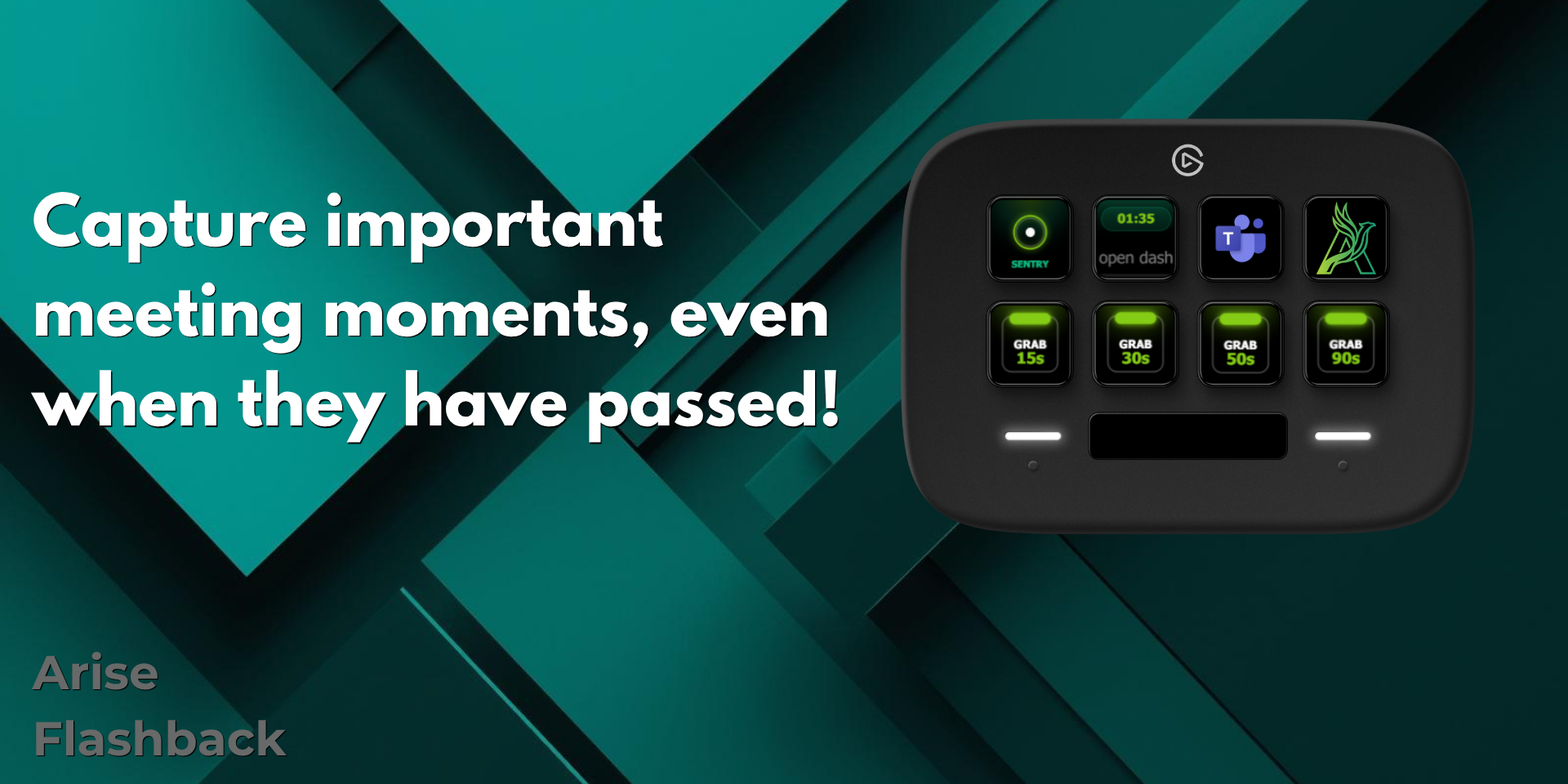
Wichtige Meeting-Momente festhalten – auch nachträglich.
Der Puffer läuft still im Hintergrund, während du arbeitest. Kein langes Scrubben in Aufnahmen mehr – einfach GRAB drücken und der Moment ist gesichert.
Stiller Puffer
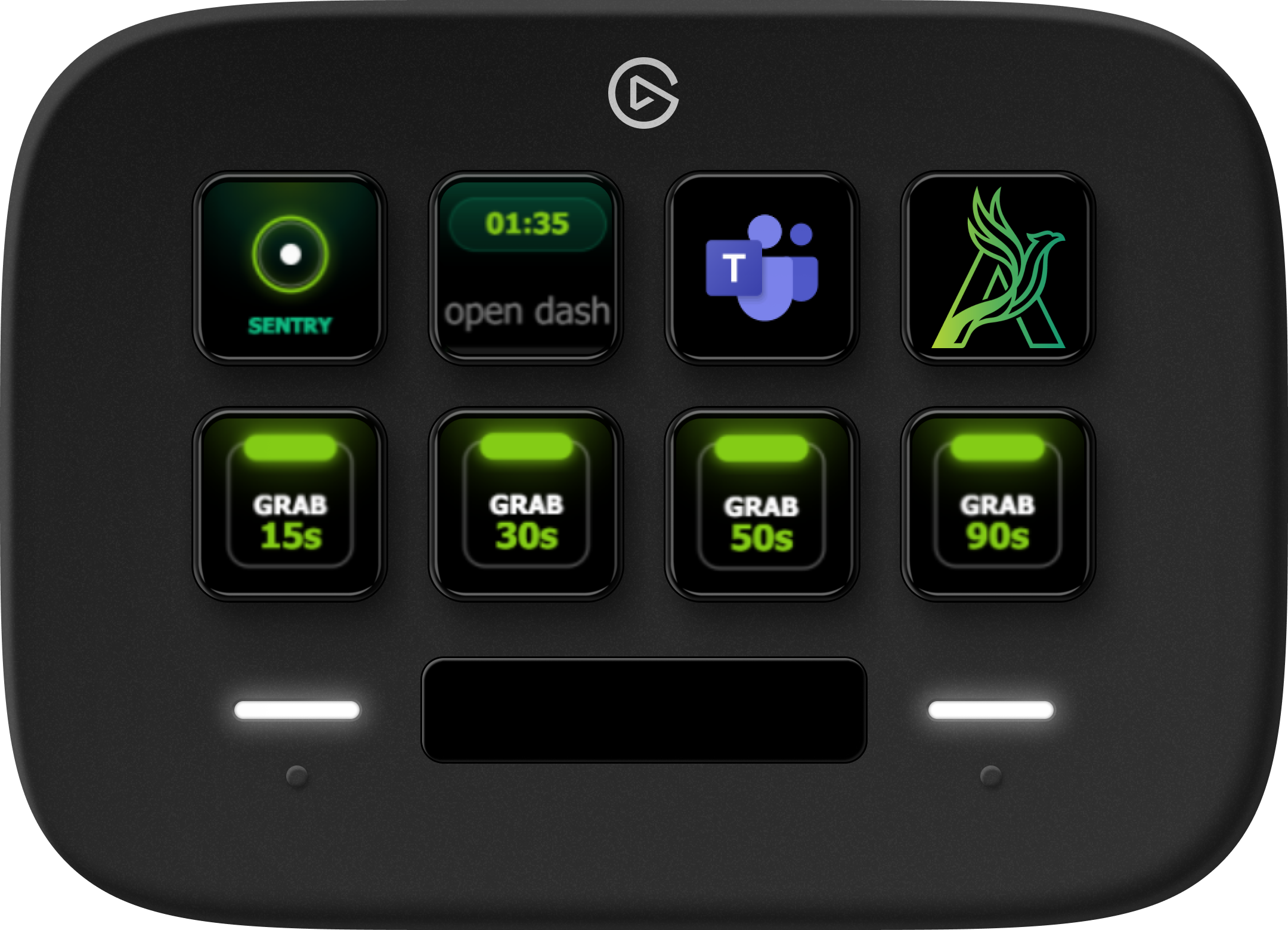
SENTRY aktiviert einen kontinuierlichen Hintergrundpuffer, der Audio aufzeichnet, ohne es zu speichern.
Retroaktiver GRAB
GRAB drücken und die letzten 15, 30, 50 oder 90 Sekunden als zeitgestempeltes Audio-Capture sichern.
Web-Dashboard
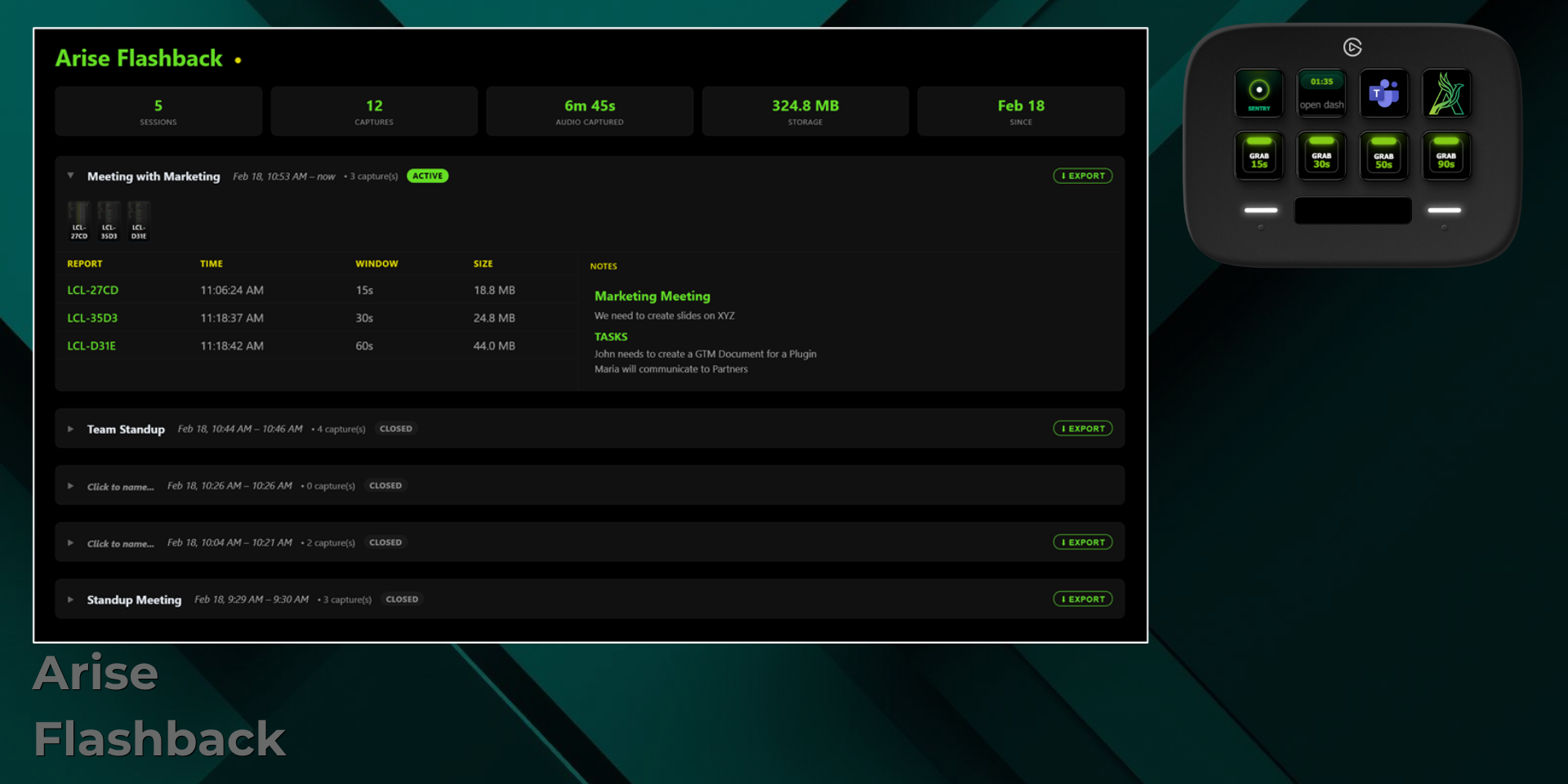
Alle Captures mit Zeitstempeln, Notizen und Export-Buttons im Web-Dashboard überprüfen und exportieren.
Aktivieren, überwachen und speichern – direkt von der Hardware.
Flashback-Aufnahme aktivieren
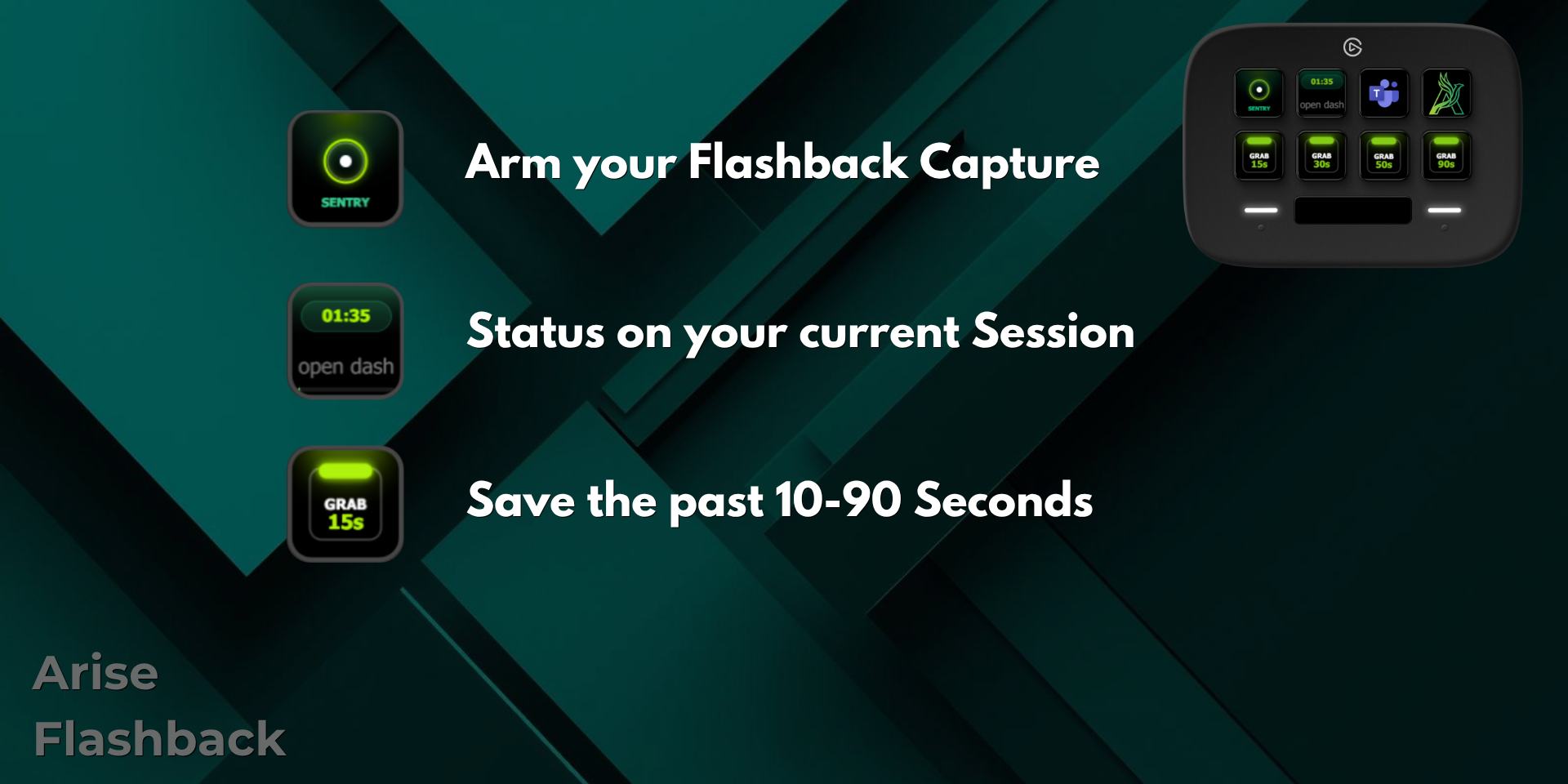
Drücke SENTRY, um den Hintergrundpuffer zu aktivieren. Ab diesem Moment nimmt Flashback Audio kontinuierlich auf, ohne es auf der Festplatte zu speichern.
Status deiner aktuellen Sitzung
Die mittlere Taste zeigt den aktiven Sitzungs-Timer und öffnet mit einem Druck das Flashback-Dashboard.
Die letzten 10–90 Sekunden sichern
Wähle dein Zeitfenster – 15s, 30s, 50s oder 90s – und die GRAB-Taste speichert diesen Moment als zeitgestempeltes Capture.
Captures sichten, kommentieren und exportieren.
Das Web-Dashboard organisiert jede Sitzung mit Zeitstempeln, Notizen und Export-Buttons. Jeden Moment in Sekunden finden – kein Video-Scrubbing nötig.
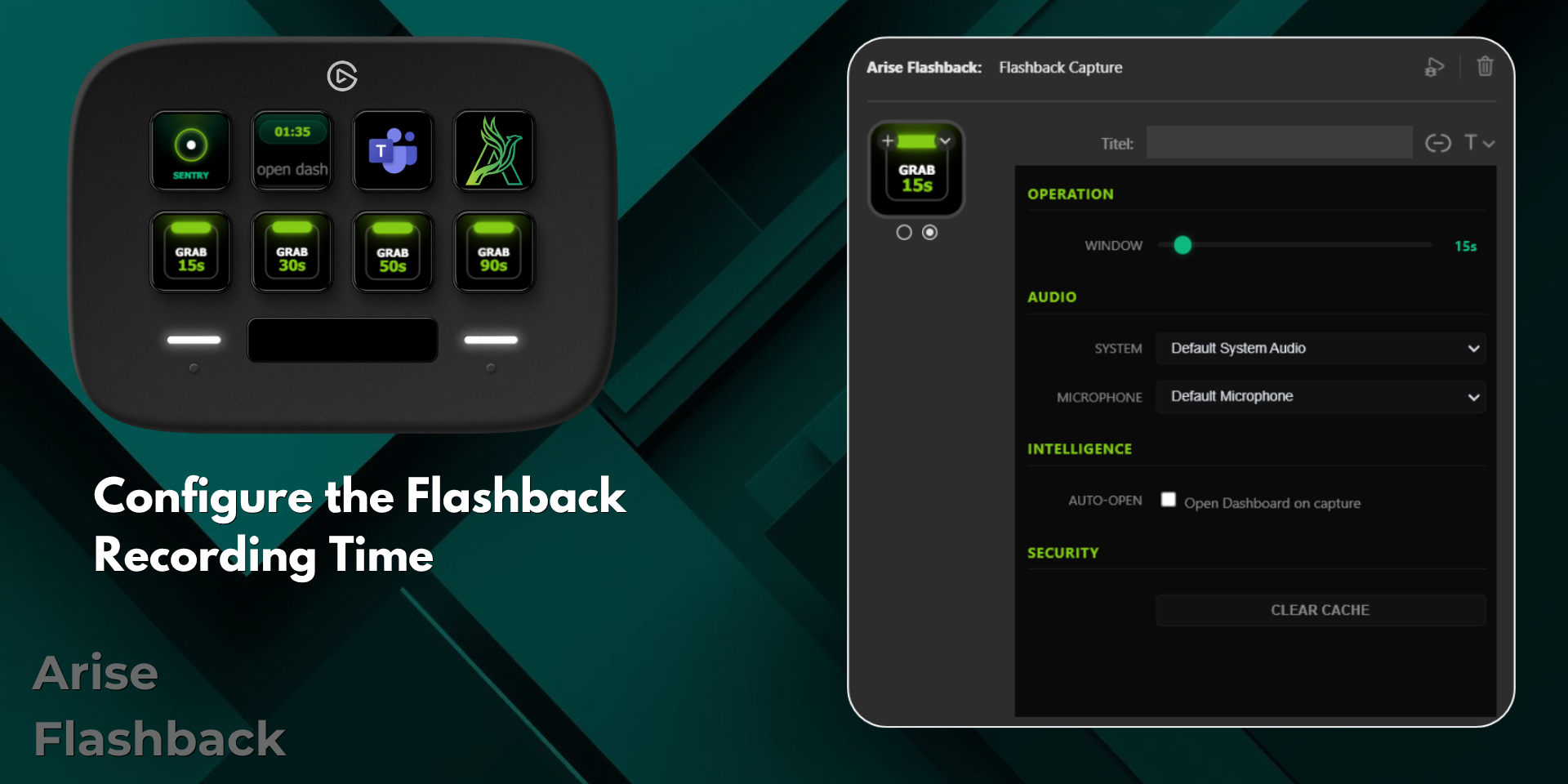
Aufnahmedauer konfigurieren.
Der Property Inspector ermöglicht es dir, das Aufnahmefenster zu setzen, Audioquellen zu wählen (System, Mikrofon oder beides) und den Auto-open Intelligence-Modus zu aktivieren – alles aus der Stream Deck Software.
FAQ
Was macht Arise Flashback?
Es zeichnet deine Meetings als kontinuierlichen stillen Puffer auf. GRAB drücken und die letzten 10–90 Sekunden als zeitgestempeltes Audio-Capture sichern – auch ohne aktive Aufnahme.
Wird dauerhaft auf die Festplatte aufgezeichnet?
Nein. Der Puffer hält Audio nur im Arbeitsspeicher. Nichts wird gespeichert, bis du GRAB drückst.
Welche Hardware benötigt Arise Flashback?
Es ist für Stream Deck Neo ausgelegt und läuft auf Windows.