
What Is Stream Deck?
Understand the core model behind Stream Deck: hardware keys, visual states, profiles, pages, and plugins that turn repetitive software actions into deliberate physical controls.
By Arise Create
- Keys with context
- Profiles and folders
- Plugins and actions
The hardware idea
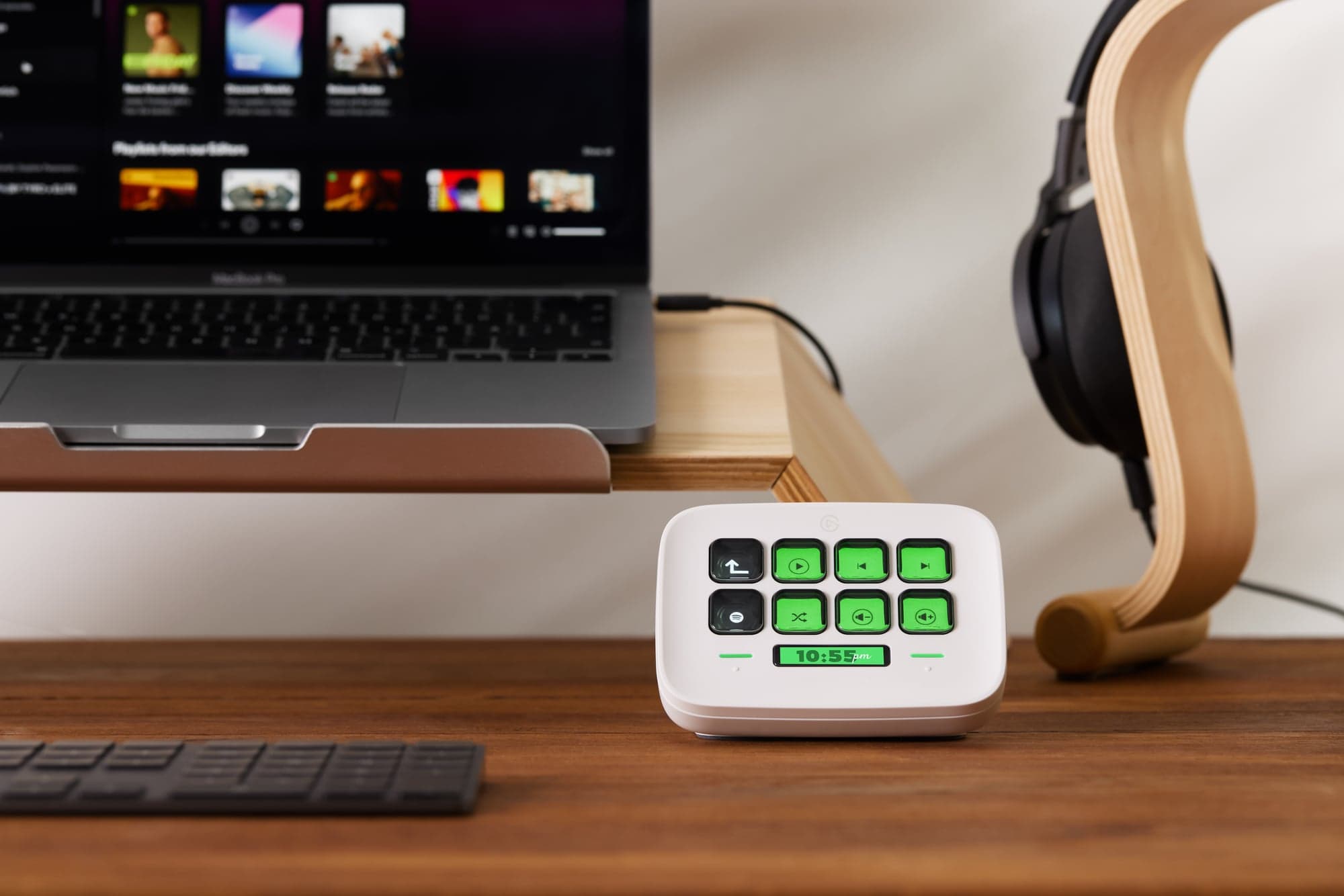
Stream Deck puts your most-used actions on physical, programmable keys. Each key on most models is a small LCD display that shows a label, icon, or live status, so you always see what each key does and whether it is currently active.
You assign actions using the free Stream Deck software on Windows or macOS. Drag an action onto a key and it is ready. Because the keys show their own labels, there is nothing to memorise and no guessing which shortcut does what.
Why not just use keyboard shortcuts?
Keyboard shortcuts can technically do much of what Stream Deck does. But hotkeys have a focus problem. If you are inside one app and try to fire a shortcut meant for another, it may not work because the wrong window has focus. You end up switching back and forth just to run a single command, which is unreliable in the middle of a game, a meeting, or a focused work session.
A plugin with a direct app integration can control its target without switching windows and may show live state on the key. That depends on the plugin and the app. Stream Deck's built-in Hotkey action still sends a keyboard shortcut, so some apps must be in focus; a plugin may also bring its target to the front briefly. Check the integration's requirements rather than assuming every action works in the background.
How it works
Each key can launch an app, trigger a hotkey, run a sequence of commands, switch to a different layout, or call into a plugin connected to a specific service. Because the keys are LCD displays, the hardware also acts as a live status layer, showing mute state, recording status, scene state, or any other information your apps expose.
The result is a device that is both input and display. You see the current state, act on it with a press, and watch the key update. This makes it useful beyond automation. It reduces the need to glance at multiple app windows to know what is happening.
- Profiles let you build separate layouts for meetings, coding, editing, or operations, each feeling like a purpose-built control surface.
- Pages let you extend a profile when one screen is not enough, without losing the top-level structure.
- Plugins connect Stream Deck to specific apps and services so keys can react to real software state.
Actions, plugins, and the Marketplace
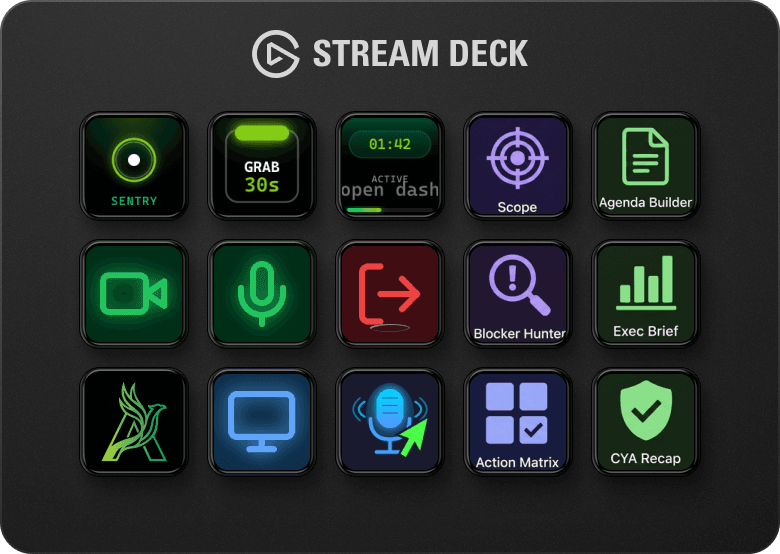
Stream Deck ships with built-in actions covering the most common tasks: launching apps, opening websites, controlling media playback, setting up hotkeys, and adjusting system volume. These work immediately with no additional setup.
Plugins extend this to specific apps and services. Install the Spotify plugin and you get play, pause, skip, and volume controls. Install a smart lighting plugin and you can control your room lights from a key. Most plugins are free and install with a few clicks.
The Elgato Marketplace is the central place for everything that extends your setup: plugins, pre-built profiles, icon packs, and soundboards. You can browse directly from the Stream Deck app or from a web browser.
What you can do with it
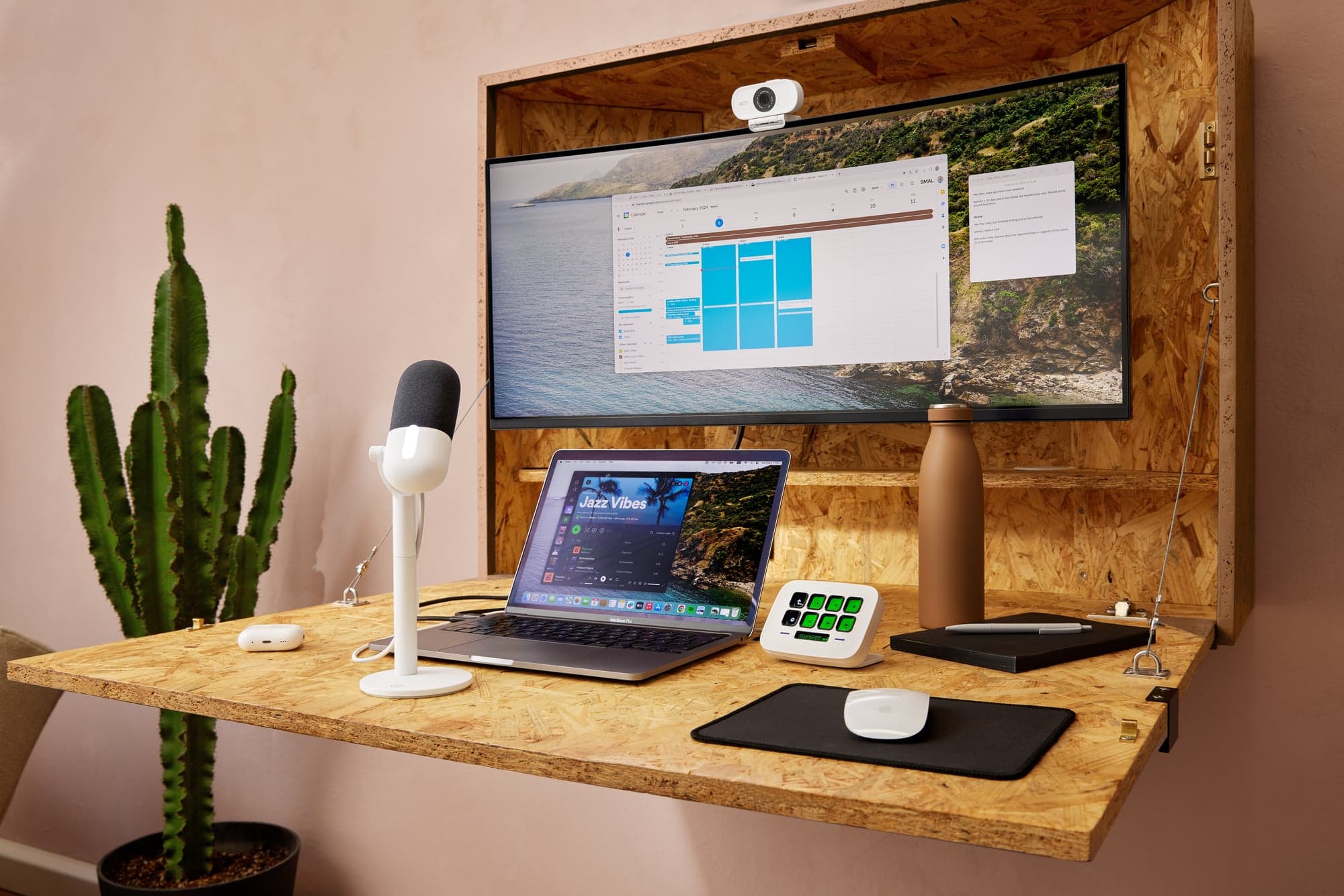
The core idea (visible, physical controls mapped to software actions) applies across a wide range of workflows.
- Work and meetings: Bring mute, camera, screen share, and leave onto one visible surface. Plugins for Zoom, Teams, and Slack add meeting controls that fire without hunting through app toolbars mid-call.
- Creative work: The Adobe Photoshop plugin provides native layer navigation, tool switching, undo/redo, and dial-based adjustments. Stream Deck also integrates with Lightroom, Premiere Pro, and Illustrator, and with DaVinci Resolve via community plugins and profiles on the Marketplace.
- Streaming and recording: Switch scenes in OBS Studio or Streamlabs, trigger sounds, post to chat, and control recordings from physical keys. Keys show live status including whether you are currently broadcasting.
- Gaming: Assign secondary actions in complex titles to labelled, visible keys. Games that accumulate large sets of infrequently-used commands are easier to manage when those commands have a dedicated readable home.
- Smart home and system: Control smart lighting with Philips Hue or Nanoleaf. Display real-time CPU stats or weather. Build a one-tap routine that opens everything you need to start a session.
Profiles, pages, and folders: the scaling model
Profiles, pages, and folders are what keep Stream Deck from collapsing into one overloaded screen as your setup grows. Profiles are the top level: a meeting profile, editing profile, or admin profile should feel like a different control surface built for a different mode of work.
Pages extend a profile horizontally when one screen is not enough. Folders group related actions under a single key so they are available when needed but do not occupy permanent top-level space.
Smart Profiles go a step further: Stream Deck can automatically switch to the matching profile when you change apps. Open Photoshop and your editing shortcuts appear. Switch to a game and your game controls take over: no manual switching required.
- Use profiles to separate distinct work modes such as meetings, publishing, operations, or coding.
- Use pages when a profile needs multiple views but still belongs to one context.
- Use folders for related sub-actions that are useful but do not need top-level visibility.
Further reading
Elgato publish their own detailed overview of Stream Deck on the Explorer hub, covering the same core concepts with additional use case depth and a full device lineup comparison.
Real product examples
Video walkthrough
Watch video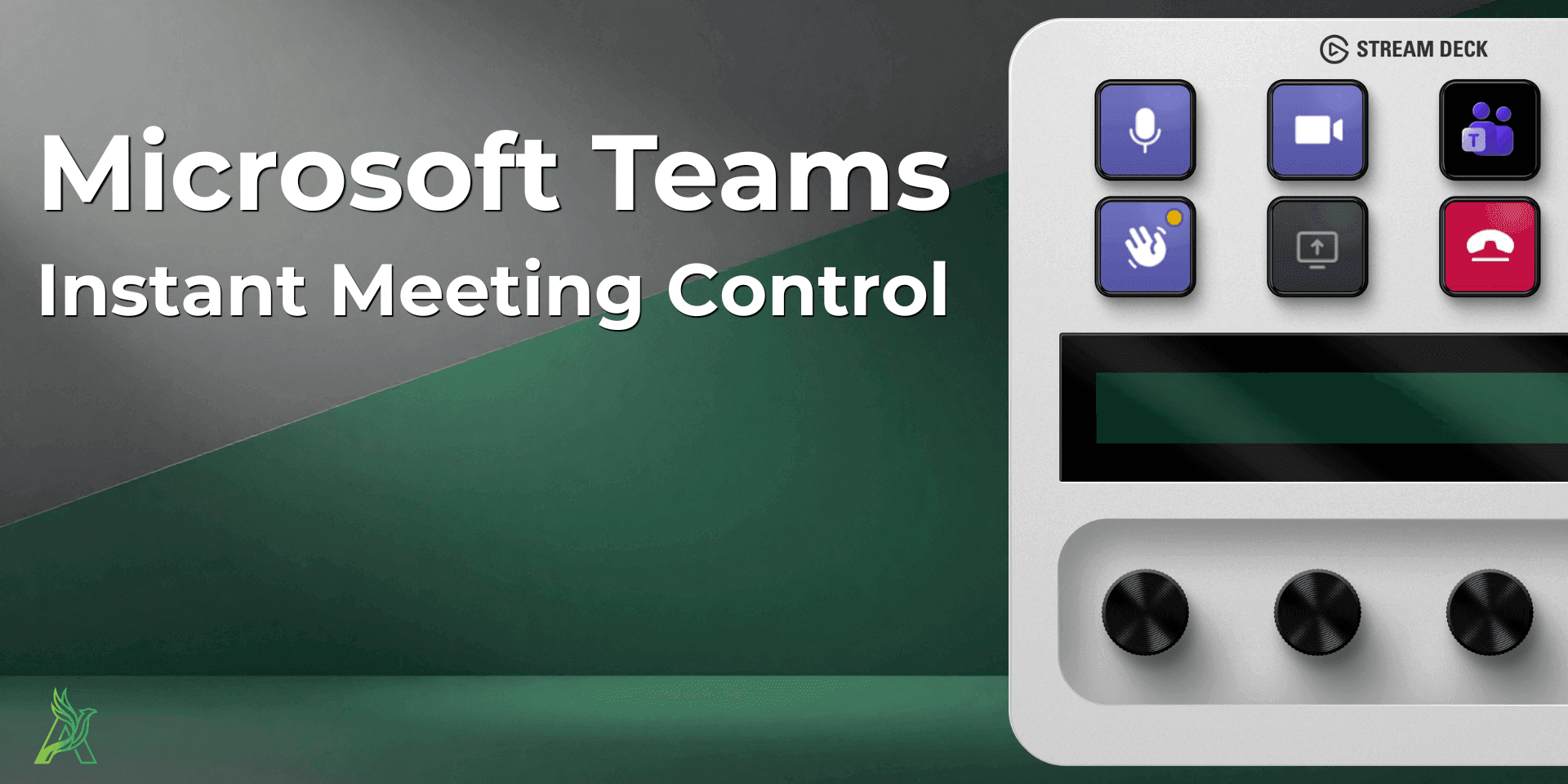
Watch the getting-started walkthrough on video.
The YouTube video 'How to get started with Stream Deck | increase your efficiency today' covers the same ground as this guide (device, software, and a first useful setup) in a compact visual walkthrough.
How to use it with this guide
Get a fast visual orientation on what Stream Deck is and how a first setup feels.
Use this article to understand the model behind it: keys, profiles, pages, and plugins.
Map your first real workflow instead of copying random actions.
Video walkthrough
Watch video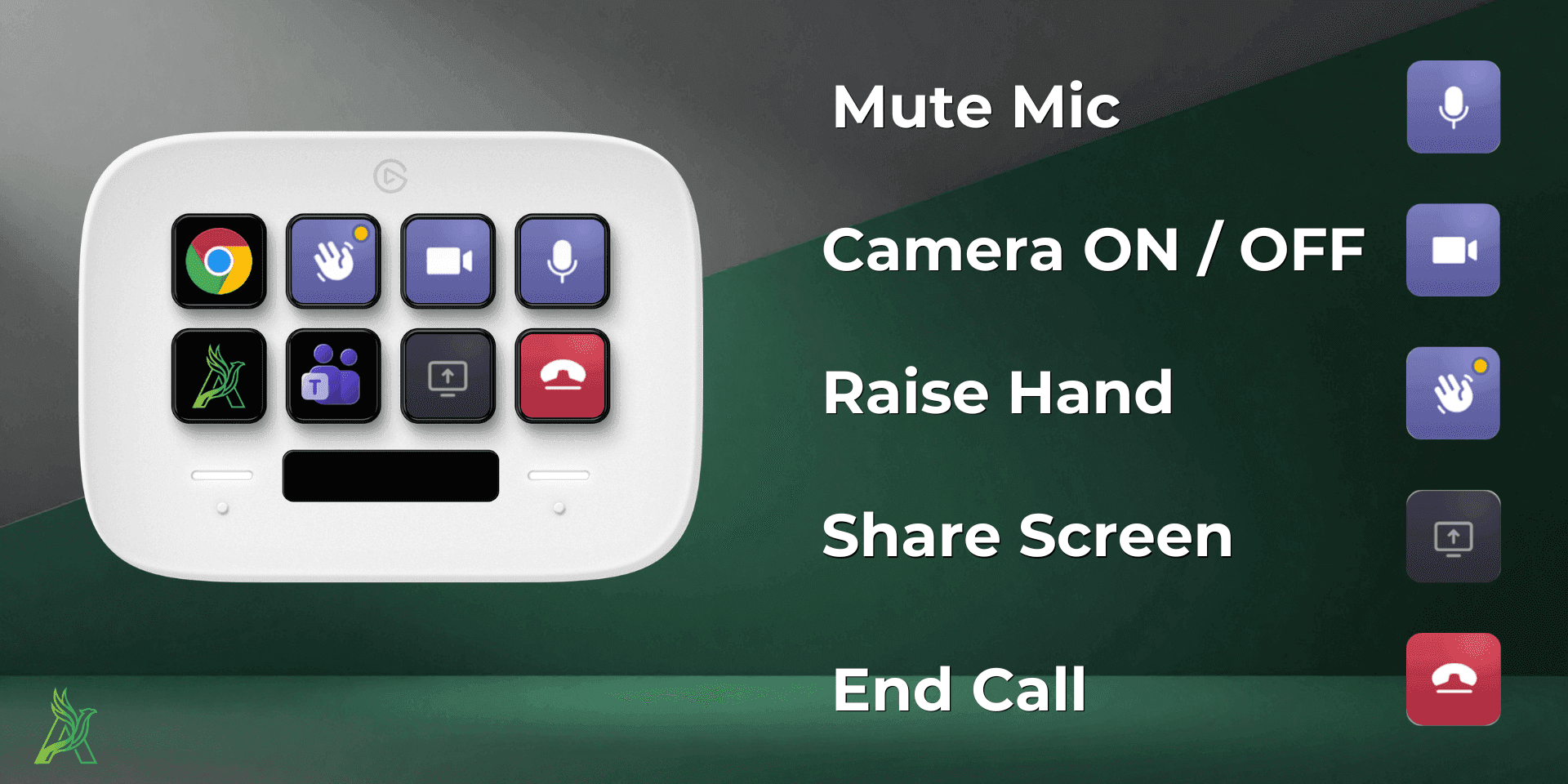
See profiles, pages, and folders explained on video.
The YouTube video 'Unlock the Full Potential of Your Stream Deck with Pages, Profiles, and Folders' pairs directly with the scaling section below. It shows the same structural model in action on real hardware.
How to use it with this guide
See how profiles, pages, and folders look and behave on an actual Stream Deck.
Use the scaling section below to decide when each one is the right tool.
Reorganize your own layout once it starts feeling crowded on a single page.
Browse products
A practical explanation of what Stream Deck hardware does, how actions work, and why it becomes a serious workflow tool instead of a novelty keypad.