
Token economics, right on your deck.
Token Lens reads your Claude Code session directly: no API key, no proxy, nothing leaves your machine. Eight key views and an eight-view dial put cache hits, tokens, cost, velocity, context window, and subagent counts on hardware.
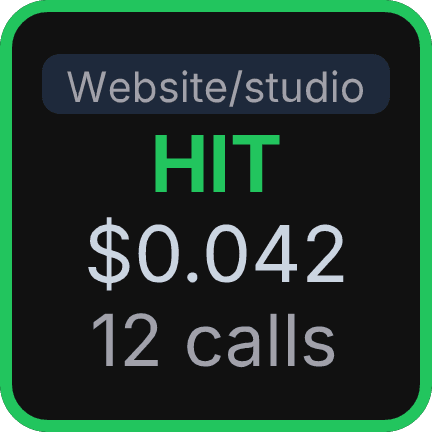 Cache Status
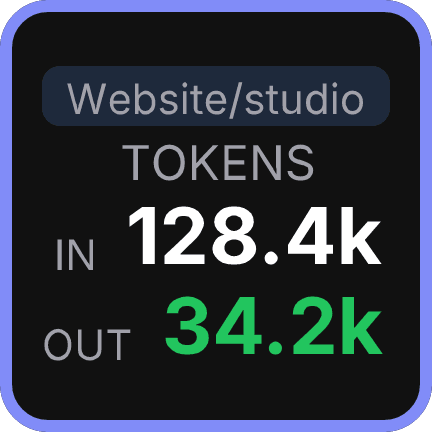 Tokens
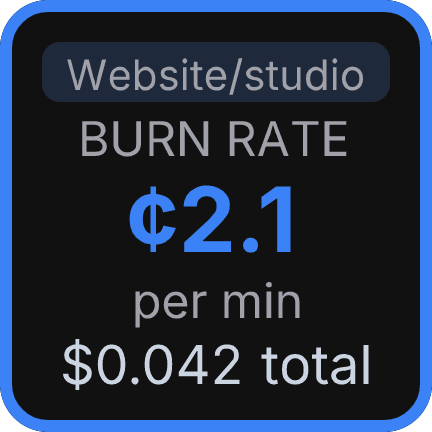 Burn Rate
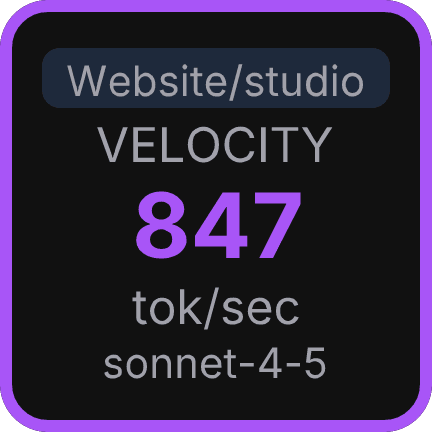 Output Velocity
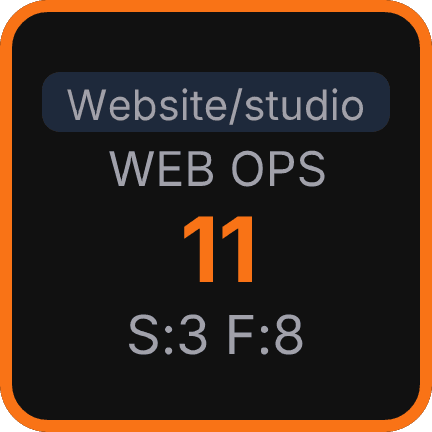 Web Tools
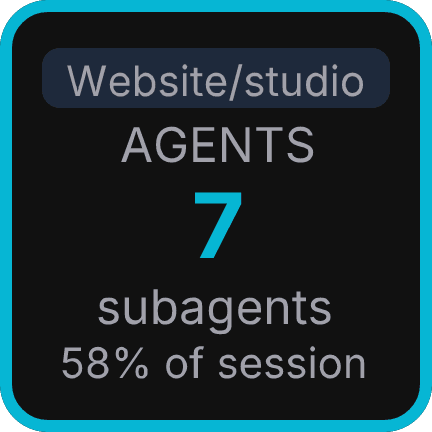 Subagents
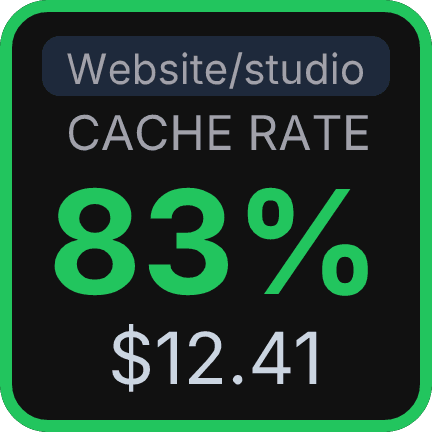 Cache Hit Rate
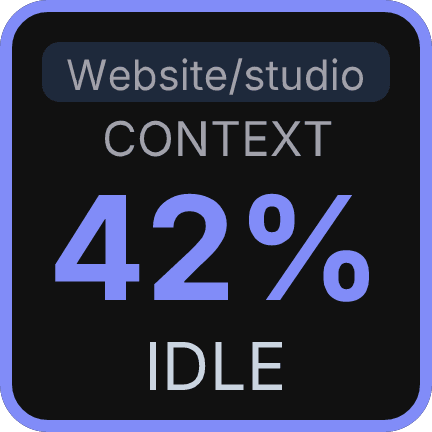 Context Window
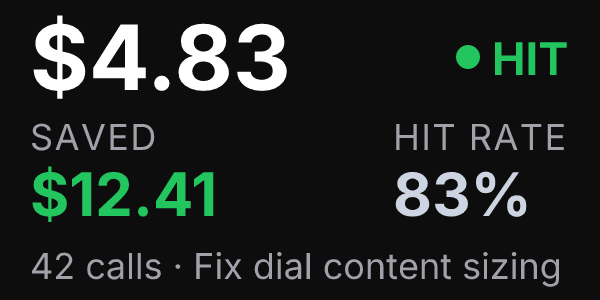 Overview
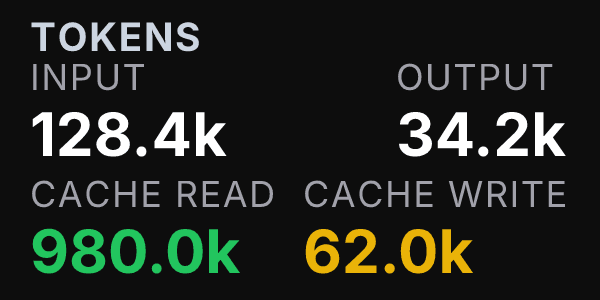 Tokens
Eight ways to see your session.
Pick the view that fits your workflow. Switch any time from the Property Inspector.
Cache Status
HIT or MISS on the last call, plus running session cost. Green on a hit, amber on a miss.
Tokens
48,200Input vs output token totals for the session, at a glance. Indigo accent.
Burn Rate
Cost per minute and total session cost. Shows how fast the session is spending.
Output Velocity
Smoothed output tokens per second across recent calls. A quick read on model responsiveness.
Web Tools
Total web searches and fetches in the session. Useful for tool-heavy workflows.
Subagents
Sidechain call count as a percentage of session tokens. Spot costly sub-tasks.
Cache Hit Rate
91%Session-wide cache hit rate as a percentage. See how consistently your prompts reuse cache.
Context Window
How much of the model's context window the session has used. Know when a compact is due.
Eight views on one scroll wheel.
Rotate to cycle, push to reset session counters, touch to step forward.
Overview
Session title, total cost, and call count at a glance.
Tokens
Input, output, and cache token breakdown for the session.
Cache
Cache hit rate and read/write token split.
Cost
Lifetime session cost with input/output breakdown.
Activity
API call count and last-call timestamp.
Tools
Web searches, fetches, and total tool operations.
Velocity
Output tokens per second: how fast the model responded.
Context Window
Context window usage for the current session.
Reads local files. Nothing leaves your machine.
Token Lens watches ~/.claude/projects directly. No API key, no proxy server, no env vars. Your session data never touches a network.
- Reads ~/.claude/projects transcripts, zero network calls required.
- No API key and no Anthropic account needed, install and use immediately.
- Works on Windows and macOS. All data stays on your machine.
Install from the Marketplace. Done.
Open Stream Deck, find Token Lens on the Elgato Marketplace, and drag a key or dial to your deck. No configuration, no account, no cloud pairing.
FAQ
What does Token Lens for Claude do?
It reads your Claude Code session transcripts directly from ~/.claude/projects and displays live token economics on your Stream Deck: cache hit rate, session cost, burn rate, output velocity, and subagent call counts. No API key is needed.
Does Token Lens require an API key or internet connection?
No. Token Lens reads local ~/.claude/projects transcript files only. No API key, no proxy, no environment variables, and no data leaves your machine.
Which Stream Deck models does Token Lens support?
The Key action works on any Stream Deck model. The Dial action requires a Stream Deck+ for the encoder hardware. Both run on Windows and macOS.