
The key nobody made a plugin for.
Describe it. An agent writes the Python. Your Stream Deck shows it live.
View on Marketplace


From a sentence to a running key.
1In Stream Deck
Ask an AI agent to build this
Describe what the key should show and the plugin writes the whole prompt for your agent.
You are writing a Python script for the "Stream Script" action of the Arise Python Commander Stream Deck plugin, and delivering it to the Stream Deck that is already running on this computer.
2In your AI agent
Pasted from Stream Deck
You are writing a Python script for the "Stream Script" action of the Arise Python Commander Stream Deck plugin…
Your agent
Done. weather.py is on your key — it paints the temperature outside and turns blue below freezing.
3On your Stream Deck
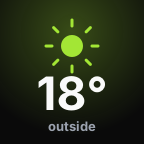 mild
mild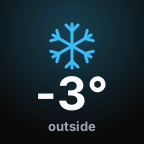 freezing
Five ways to put Python on a key.
Run PY-Script
Multi State PY-Script
Loop Script
Stream Script
Script Canvas
Pick how the value reads.
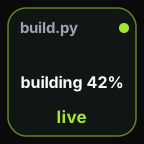
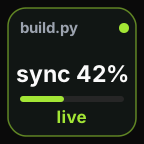
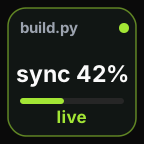
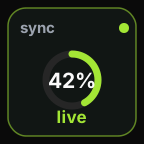
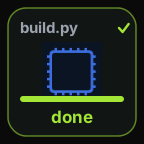
Runtime states
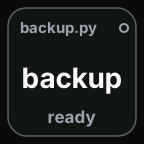
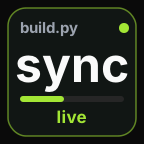
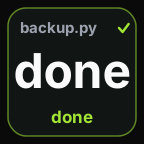
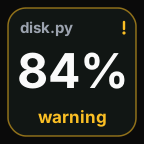
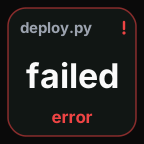
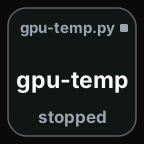
Any Python 3, optionally a virtual environment. Nothing to sign into.
Whatever you need. Whatever you want. On a key.
View on MarketplaceFAQ
What does Arise Python Commander do?
It runs Python scripts from Stream Deck and turns what they print into what the key shows, so an automation stays readable at a glance instead of disappearing into a terminal.
Which actions are included?
Five: Run PY-Script for one-off runs, Multi State PY-Script for value mapping, Loop Script for timer-based checks, Stream Script for live output, and Script Canvas for a script that draws the key itself.
Can I map specific output values to key visuals?
Yes. You can map explicit outputs such as true/false, ok/error, and running/stopped to different key states directly from the property inspector.
Does it work on a Stream Deck Neo's info bar?
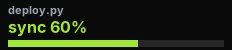
Yes. A Stream Script runs on the Neo's 232x50 info bar, which cannot be pressed: it starts on its own as soon as it is configured and keeps streaming its output there until the action leaves the screen.
Can an AI agent write the script for me?
Yes, for Stream Script. Describe what the key should show and the plugin composes the complete prompt for your agent, including the script contract and the target surface with its exact pixel size. The agent delivers the finished script back to the key over a local, token-gated channel.