
Stream Deck Dictation With Local Whisper AI
Speech to Text brings OpenAI Whisper to a single Stream Deck key. Tap to record, tap to stop, and your words are transcribed entirely on your machine, no cloud connection, no subscription, no microphone data leaving your computer.
By Arise Create
- 100% on-device, no cloud
- Tap to record, tap to stop
- Works with any text field
What Whisper is
Whisper is an open-source speech recognition model created by OpenAI and released publicly in 2022. Whisper itself ships in six sizes from Tiny up to Large, plus the speed-optimized Turbo; Speech to Text offers the four most practical for desktop dictation (Tiny, Base, Small, and Medium), covering a range from very fast and lightweight to highly accurate.
What makes it particularly relevant for Stream Deck use is that it runs entirely on your local machine. Run locally, Whisper needs no cloud service and no subscription. Nothing is sent anywhere. Your microphone input is processed on your CPU or GPU and the result stays on your computer.
The four available model sizes
The trade-off across the four available sizes is speed versus accuracy.
- Tiny: fastest and lightest. Good for short, clear phrases in quiet environments. Minimal RAM usage.
- Base: a small step up in accuracy from Tiny at similar speed. A useful starting point.
- Small: noticeably more accurate for everyday speech. Recommended for most users.
- Medium: highest accuracy, most demanding. Slow on CPU-only machines; dramatically faster on systems with an Nvidia CUDA GPU.
Three ways text can be delivered
After recording, transcribed text can be delivered in three ways. Set the output mode once in the key settings.
- Clipboard: text is copied. Paste it manually wherever you need it.
- Auto-paste: text is pasted directly into whichever window was active when you pressed the key.
- Auto-send: text is pasted and Enter is pressed automatically. Useful for chat, AI inputs, and search fields.
Why this instead of Windows Voice Typing
Windows Voice Typing (Win + H) sends audio to Microsoft's servers for transcription. It requires an internet connection and involves sending microphone data to an external service.
Whisper via Stream Deck does none of that. Audio is captured and processed locally. The only moment network access is needed is the initial one-time model download. After that, everything runs offline.
Practical uses
- Long-form writing: dictate paragraphs rather than typing them. Whisper handles complete recordings rather than live streams, which gives more natural results.
- AI chat input: dictate into ChatGPT, Claude, Copilot, or Gemini. Use Auto-send to submit without touching the keyboard.
- Meeting notes: dictate after a call while context is fresh. Text lands in your notes app without cloud processing.
- Quick emails and messages: speak the reply, Auto-paste delivers it.
First-time setup
A one-time model download is required. All subsequent use is fully offline.
- Install Speech to Text from the Elgato Marketplace.
- Drag the action onto a Stream Deck key and open the key settings.
- Select a model size. Small is recommended for most users.
- Press the key once. The plugin downloads the Whisper model automatically. This may take a minute or two depending on your connection.
- After the download, the plugin is ready with no internet connection required.
Real product examples
Dictation plugin
View plugin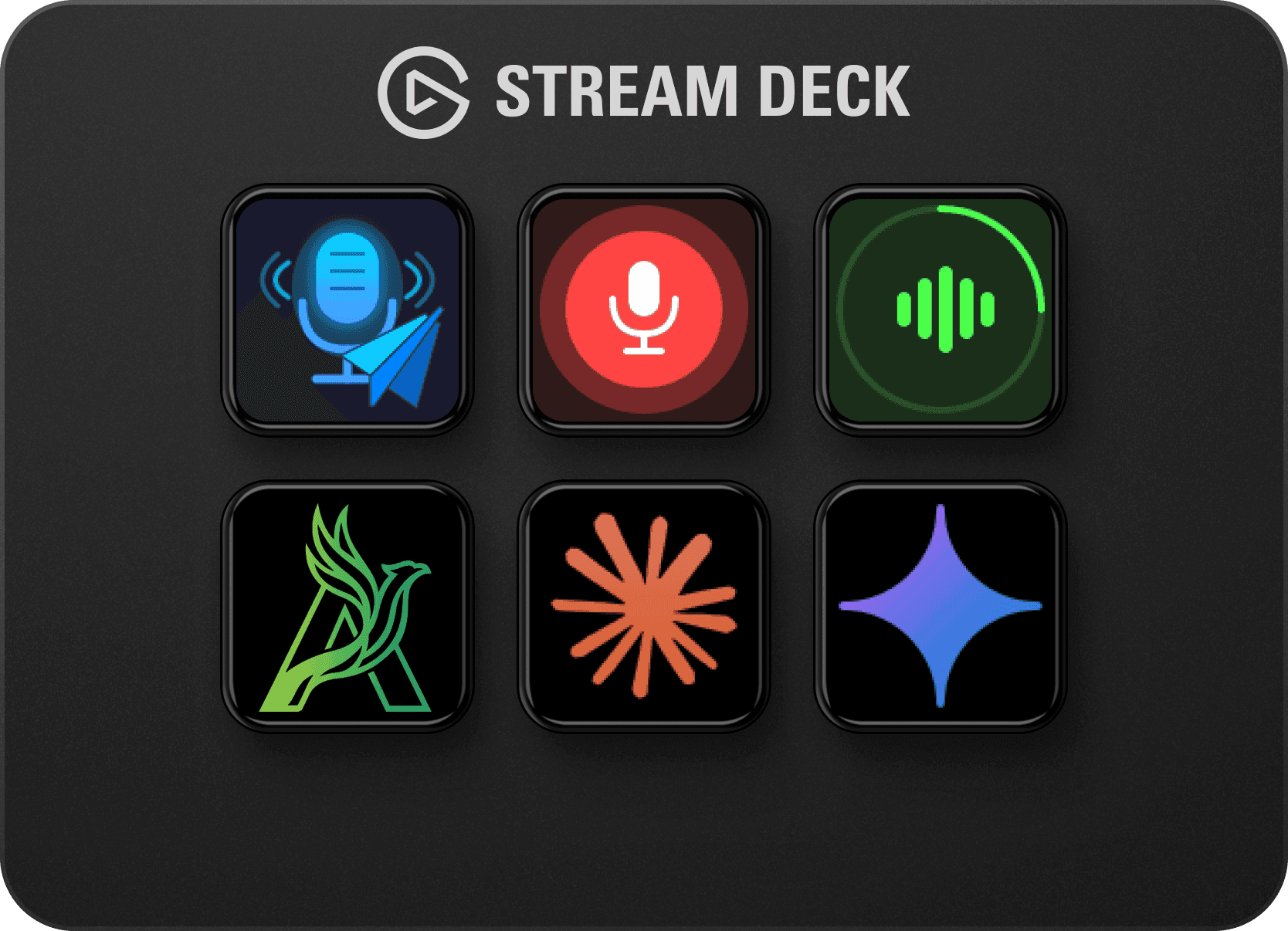
Speech to Text puts private Whisper dictation on one Stream Deck key.
One key starts recording, one key stops. The result lands in your clipboard, pastes into the active window, or auto-sends. Your audio never leaves your device.
Basic workflow
Press the key once to start recording. The key shows a live recording state.
Dictate naturally in any of 57+ supported languages. Whisper detects language automatically.
Press again to stop. Text lands in your clipboard, pastes, or sends, whichever output mode you chose.
Related reading
Speech to TextSpeech to Text runs OpenAI Whisper entirely on your machine with no cloud connection. Tap to record, tap to stop, and your words land in the clipboard, the active window, or an AI chat. Your audio never leaves your computer. Earlier pages on this website called this plugin Arise Speech to Text. Speech to Text is also known as Local AI Transcribe.
Browse products
How to use OpenAI Whisper for private, on-device voice-to-text directly from a Stream Deck key, no subscription, no cloud, no data leaving your machine.