Clipboard
Capture a thought now. Paste it wherever you need it, whenever you are ready.
Dictate from your Stream Deck. Tap to record, tap again to turn your words into text in your clipboard, active app or AI chat. Whisper runs on your PC. This website previously called it Arise Speech to Text, and it is also known as Local AI Transcribe.
View on Marketplace (opens in a new tab)No subscription. Offline after the model download.
Pasted into the active window. Also in your clipboard.
Tap a mic. Speak. Tap again.
Interactive demo with sample text. Your microphone stays off.
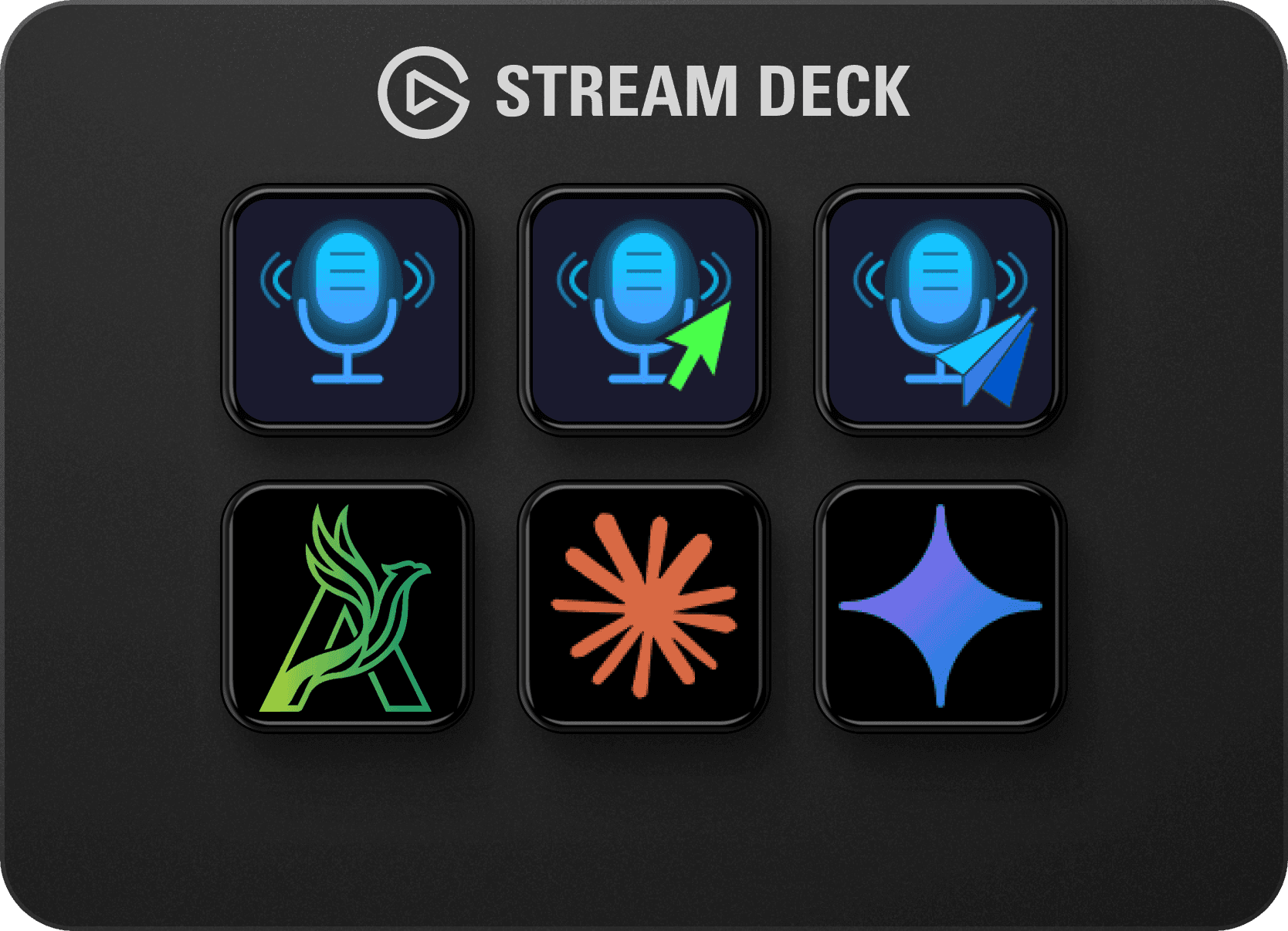
One action, three output modes. Choose a different destination for every key.
Capture a thought now. Paste it wherever you need it, whenever you are ready.
Keep writing in your document, editor or message. Your words appear in the active text field.
Speak your next prompt. The plugin pastes your text and presses Enter for you.
Every mode also copies your text to the clipboard. Auto-paste and Auto-send use the window that has focus when transcription finishes.
Whisper transcribes on your PC. Your audio never reaches a server. No API key, no cloud processing and no subscription.
A quick thought or a carefully worded paragraph: choose the local model that suits your PC. Larger models need more CPU time.
~75 MB
The fastest option. Best for trying the workflow; less accurate with quiet or distant speech.
~150 MB
A balance of speed and accuracy for everyday dictation.
~500 MB
The most accurate option in the plugin. Give it more time to transcribe.
Every size comes in English-only and Multi variants. Choose Multi for German and other languages. Download sizes are approximate.
Windows 10 or later, Stream Deck software 7.2 or later, a Stream Deck with keys and microphone access. macOS and dials are not supported.
Install the plugin from the Elgato Marketplace. Drag Record & Transcribe onto a key in the Stream Deck app.
Select your input and run the 2-second microphone test. Choose a model yourself; use a Multi variant for languages other than English.
The first transcription downloads your selected model. Progress appears on the key. Once the download is complete, that model works offline.
Still have a question? Get in touch
No. All transcription happens locally on your machine using OpenAI Whisper. Your audio never leaves your computer.
The plugin automatically downloads the selected Whisper model to your machine. You will see live download progress on the Stream Deck key. After that, no internet connection is required.
Three modes: Clipboard only, Auto-Paste into the active window, and Auto-Send which pastes and fires an Enter keystroke, ideal for AI chat interfaces.
Yes. Arise Speech to Text is a previous name used on this website for the same plugin, which is also known as Local AI Transcribe. Its canonical Elgato Marketplace name is Speech to Text.
For Windows and Stream Deck. No subscription. Find current pricing on the Elgato Marketplace.